
Recomended for first user iREAP INVOICE

An A/P Invoice (Accounts Payable Invoice) is a document or bill that records a business's obligation for purchases of goods or services made on credit from a supplier.
This feature is used when a business makes a purchase but does not pay in cash at the time of the transaction (credit/term payment). With an A/P Invoice, business owners can monitor outstanding payables, payment due dates, and payment history for each supplier.
Log in to iREAP Invoice
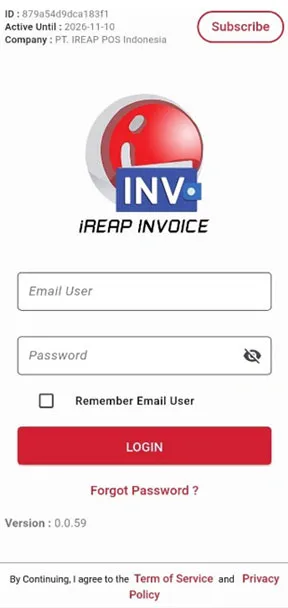
Tap the icon 
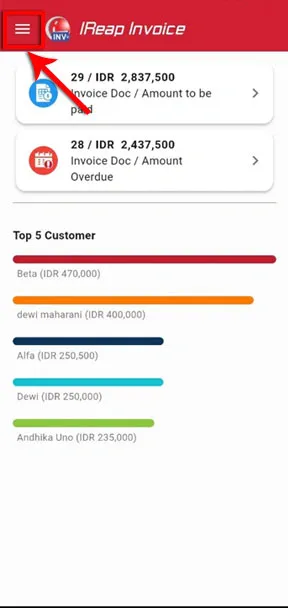
Select Payables (A/P) > Click Supplier Payable
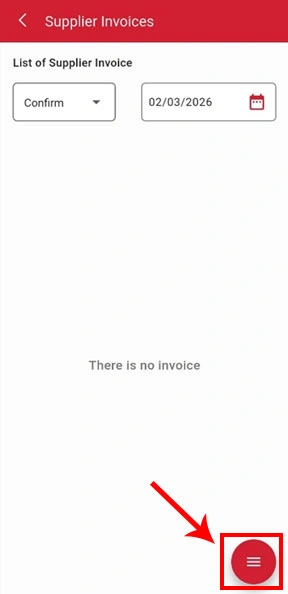
Tap the icon  and a pop-up menu will appear. Select Invoice to create a new invoice.
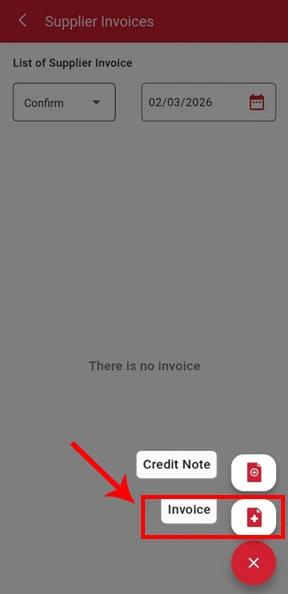
Select a Supplier. If you want to add a new supplier, select Add Supplier.
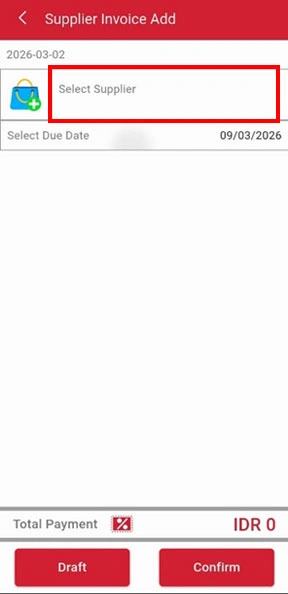
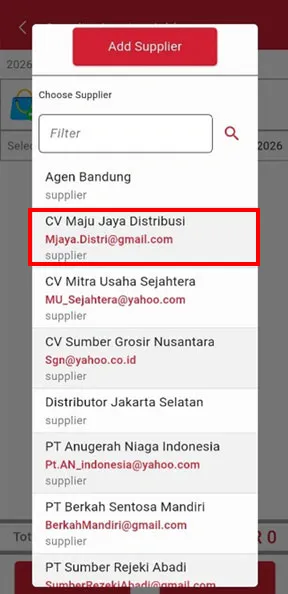
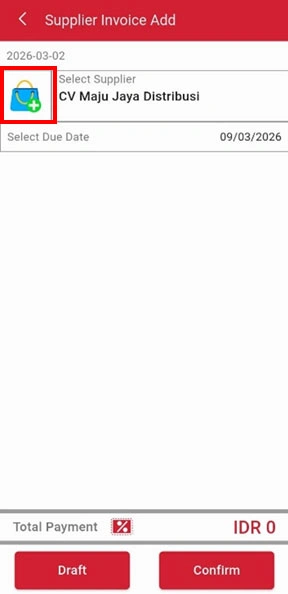
Tap the icon  to add goods/services.
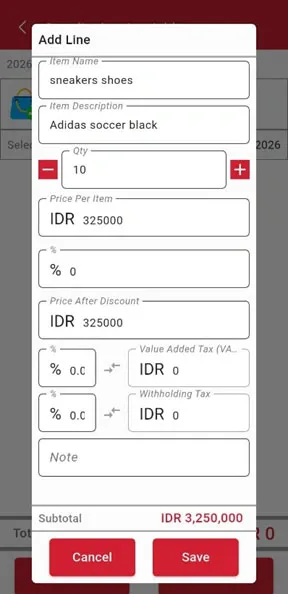
Enter the required information in the available fields, such as: Item/Service Name, Description, Quantity, Price per Item. You may also fill in additional fields such as Discount, VAT, and Withholding Tax if needed. After completing the details, click Save.
NOTE:
You can repeat this step to add more item rows if necessary.
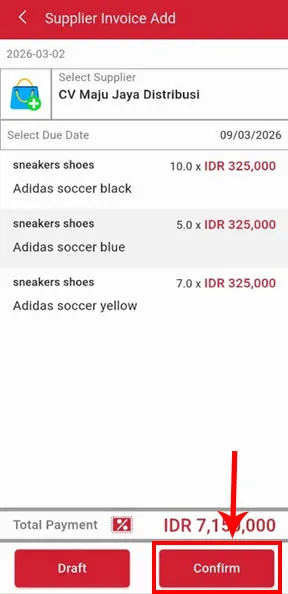
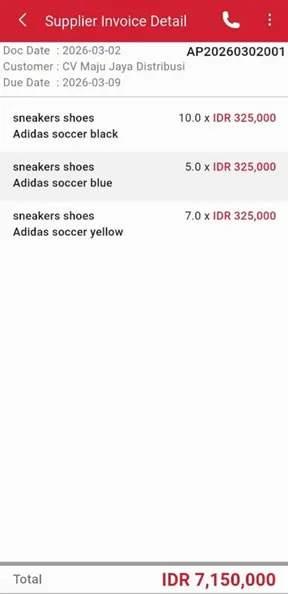
After ensuring that all items have been entered correctly, click the Confirm button to save and process the transaction.
NOTE:
You can also set the due date as needed before confirming..
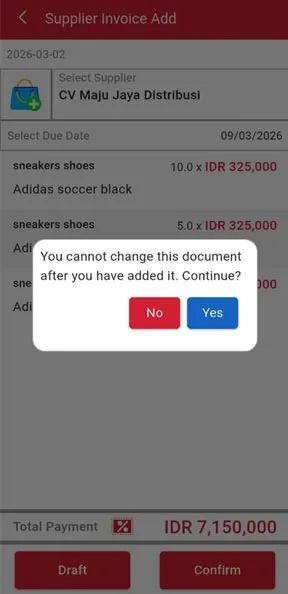
Select Yes if you want to proceed and complete the process, or No if you would like to review the data again. After selecting Yes, click OK.
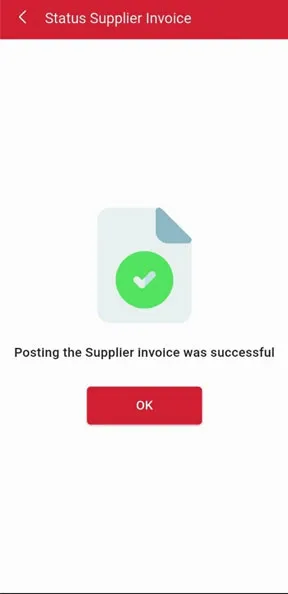
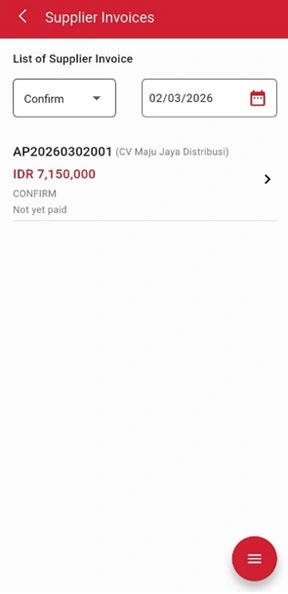
Congratulations! You have successfully created a Purchase Invoice (A/P Invoice).
iREAP POS : iREAP stand for Integrated Retail Application, is an application designed and developed to help you managed and run store operation, consists of Point of Sale / Cashier system and inventory control system.
